Gallery

 Previous
Annotations are customized boxes which can be positioned arbitrarily anywhere on the chart.
- JS Box Positions
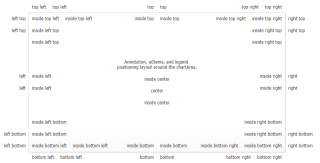 Demonstrates annotations showing how items are positioned and stacked around the chartArea.
 - Pie Annotations
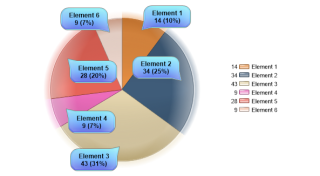 Demonstrates using annotations instead of labels on a pie chart.
 - Strong Labels
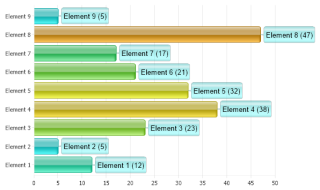 Demonstrates using annotations as bar labels.
 - Annotation Alignment
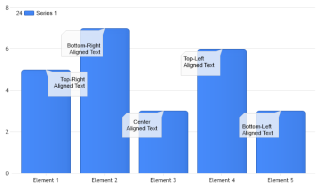 Align text inside annotations.
 - Annotation Data Source
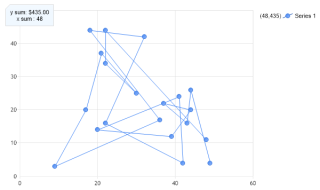 Use data sources to process string tokens in an annotation. It will take the series collection we chart and show some additional information about it in an annotation.
 - Annotation Link
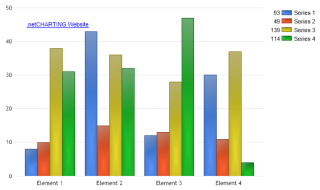 Demonstrates how you can place links anywhere on the chart using annotations.
 - Annotation Orientation
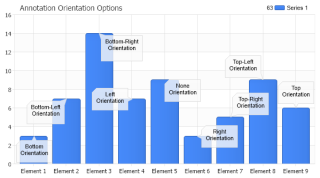 Align text inside annotations.
 - Dynamic Annotation
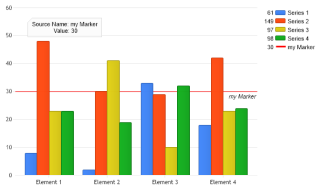 Demonstrates using annotations with data sources.
 - Header Annotation
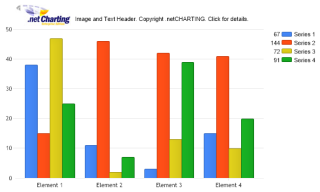 Use annotations to create a custom company header on your charts.
 - Element Annotation
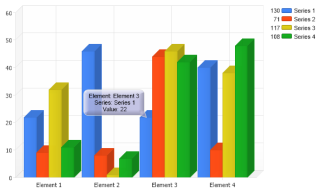 Demonstrates how to attach an annotation to an element on the chart.
 - Data Source Annotation
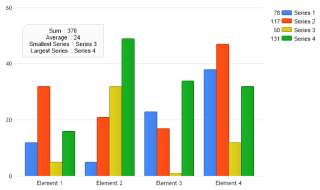 Demonstrates getting and using datasources with an annotation.
 - Box Headers
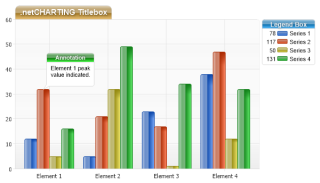 Demonstrates background shading for titlebox, legendbox and annotations along with label shadows.
 - Box Shading Effects
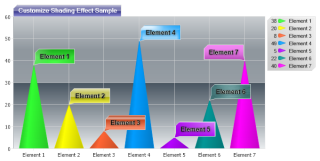 Demonstrates ShadingEffectModes with the background object.
 - Annotation Header Image
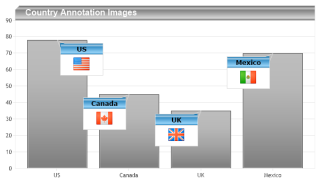 Demonstrates replacing labels with images anywhere a label can go.
 - Annotation Chart
 Demonstrates creating a chart that draws only an annotation.
 - Annotation Chart 2
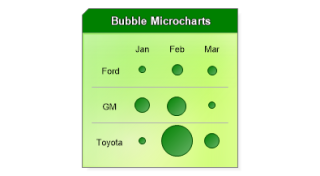 Demonstrates creating a chart that draws only an annotation.
 - Annotation Construction
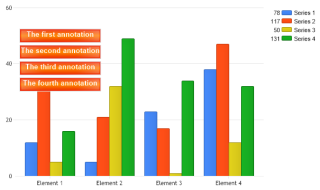 Demonstrates a simple and quick way to create multiple annotations with similar styling.
 - Annotation Sizing
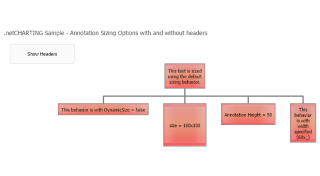 Demonstrates the sizing behavior of annotations with different settings.