- Series Collection Sort
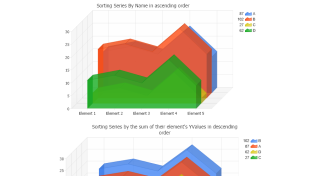
Series can be sorted.
- Series Trimming
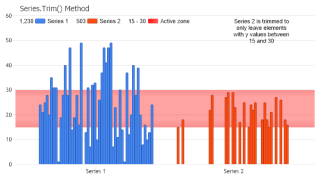
Trim elements from a series.
- Sort Element
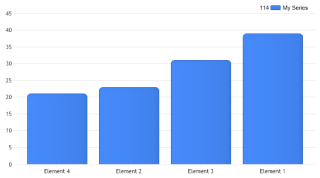
Demonstrates sorting elements.
- Tia Split
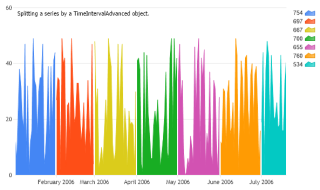
Demonstrates splitting a single series into multiple series based on a TimeIntervalAdvanced object.
- Tia Split Regroup
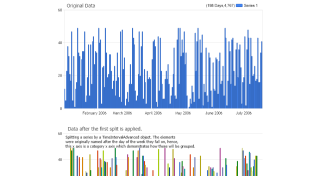
Demonstrates how Series.SplitRegroupCalculate works in stages.
- Element Name Grouping
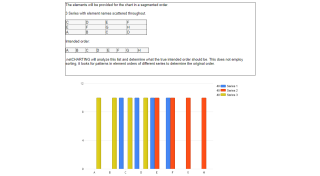
Demonstrates the element grouping technology introduced in version 4.1 which uses intelligent pattern recognition to determine the order of elements when it is not clearly provided.
- Element Name Grouping Options
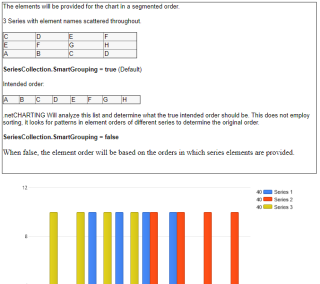
Demonstrates the element grouping technology introduced in version 4.1 which uses intelligent pattern recognition to determine the order of elements when it is not clearly provided.
- Auto Data Access
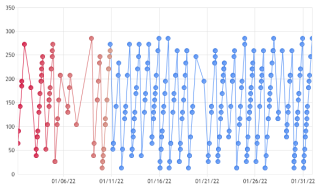
Demonstrates accessing elements within a database populated without the use of the dataEngine.
- Iterate Elements
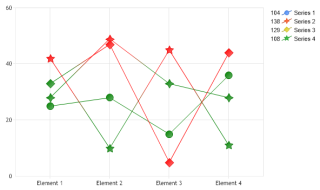
Demonstrates how you can iterate through elements and change their color.
- Operator Calculations
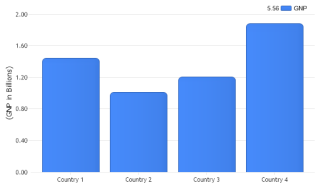
Demonstrates how operators can be used on series to manipulate chart data.
- Tia Split Name
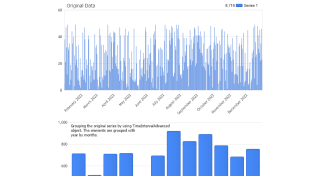
Demonstrates splitting a single series into multiple series based on element's name.
- Sort Element Stacks
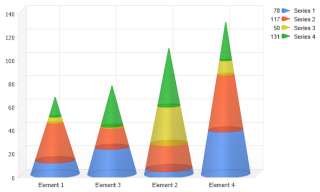
Demonstrates sorting groups of elements such as stacked bars.
- Multi-RunningSums
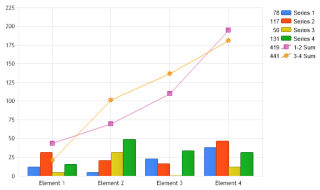
Demonstrates calculating separate running sums for groups of series.
- Selective Defaults
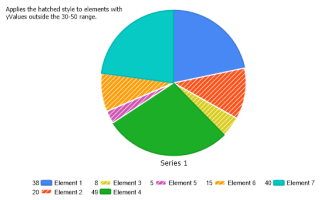
Demonstrates applying element settings to a set of elements of a series that meet a specific criteria.
- Selective Defaults Inclusive
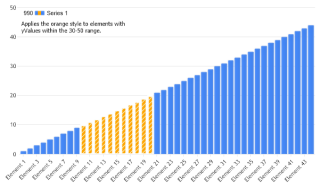
Demonstrates applying element settings to a set of elements of a series that meet a specific criteria.
- SelectiveDefaultsSC
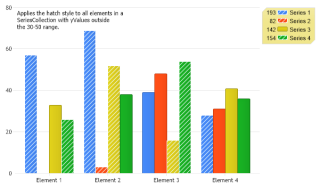
Demonstrates applying element settings to a set of elements in a series collection that meet a specific criteria.

 Previous