- JS Icon Browser
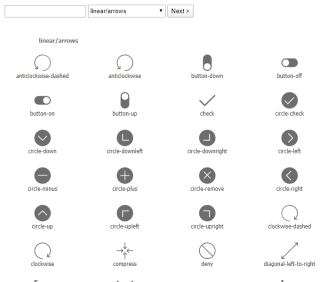
Demonstrates icon browser with search to view and find all available icons.
- JS Background Styling
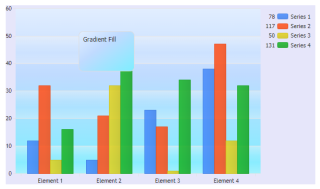
Demonstrates using complex background fills on the chart.
- JS ChartArea Image
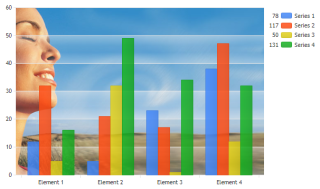
Demonstrates using an image for the chart area of a JSC chart.
- Background Color
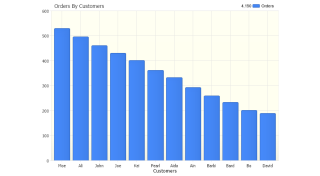
Demonstrates background color usage.
- Background Gradient
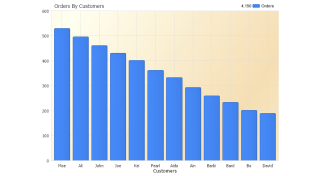
Demonstrates background gradients usage.
- Background Image
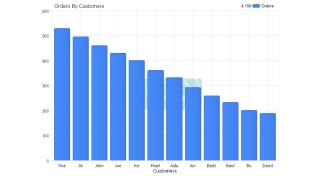
Demonstrates background image usage.
- Background Image Stretch
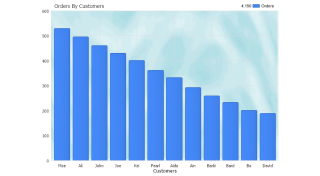
Demonstrates stretched background image usage.
- Background Image Tile
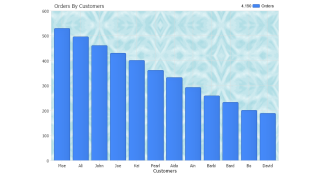
Demonstrates tiled background image usage.
- Bar Fixed Size
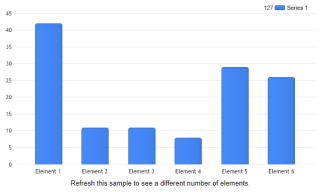
Manipulate the bar size of a chart. This is also useful when drilling down data to keep the columns looking the size same.
- Bevel
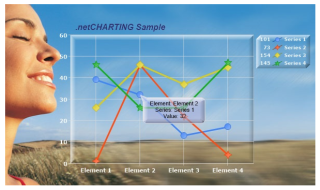
Give your charts some style using the bevel effect.
- Hatch Enhanced
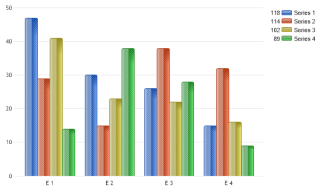
How columns can be enhanced visually using a hatch style.
- Glass Effect
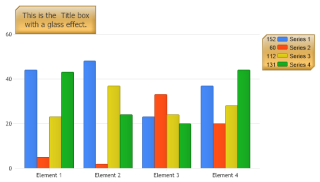
Use the glass effect. This effect works best on box objects.
- Floating Pie
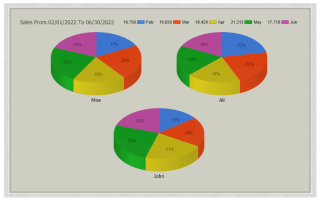
Demonstrates floating pies inside a border using the margin and background options.
- Image Bars
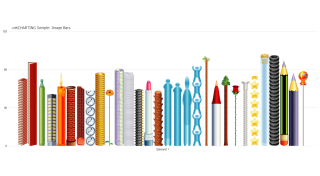
Demonstrates using image bar templates.
- Image Bars 2
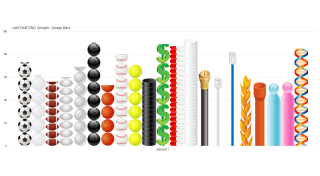
Demonstrates using image bar templates.
- Image Bars 3
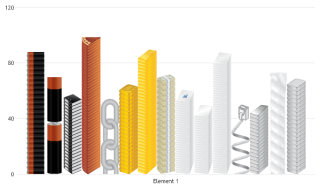
Demonstrates using ImageBar templates.
- Image Bars 4
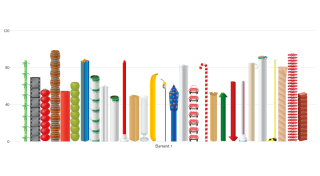
Demonstrates using ImageBar templates.
- Image Bar
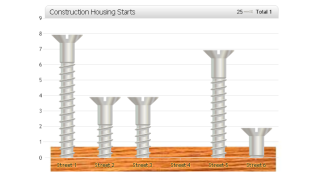
Demonstrates image bars, title box customization, image background and axis label outline usage.
- Gradient Line
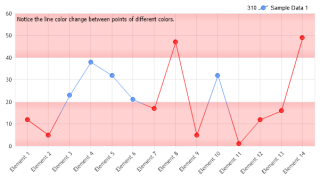
Demonstrates using a multi-color 2D line.
- Gradient Spline
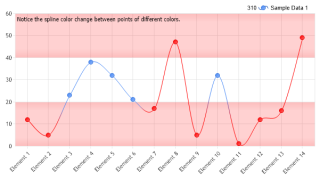
Demonstrates using a multi-color 2D spline.
- Gradient Spline 3D
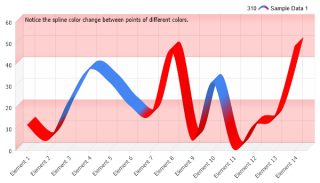
Demonstrates using a multi-color 3D spline.
- Hatch Pie
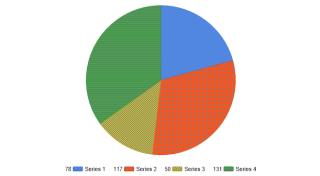
Demonstrates using hatch patterns with a pie chart.
- Brush Background
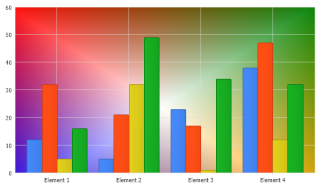
Demonstrates using a custom brush with a background object.
- Marker Image Color Replace
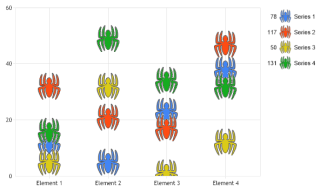
Demonstrates using a single image with a dynamic color to represent elements from different series.
- Dynamic Color Threshold
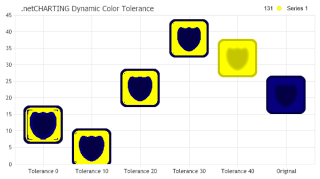
Demonstrates using different dynamic image color tolerance settings and their effects.
- Dynamic Color Threshold 2
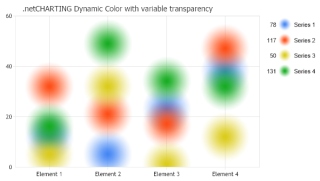
Demonstrates the behavior variable transparency of the dynamic color on custom images.
- Transparent Background
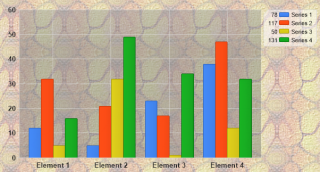
Demonstrates using variable transparency with PNG images.
- Floating Chart
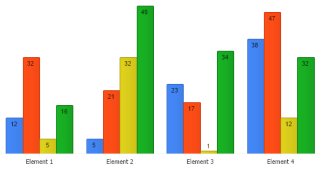
Demonstrates a floating combo chart.
- Color Pie Top Manually
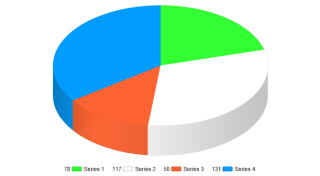
Demonstrates how to manually create a single pie from multiple series using ChartType.Pies and how to color in the top of a 3D pie using the original colors so that 3D shading does not affect it.
- Border Annotation
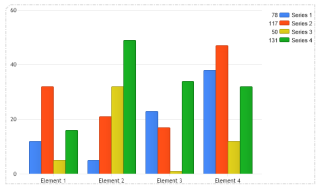
Demonstrates using an annotation to draw a border around the chart.
- Background Transparency
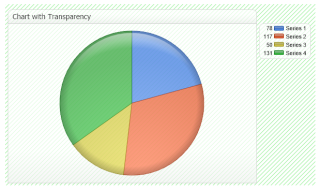
Demonstrates background transparency usage.
- Pie Shading
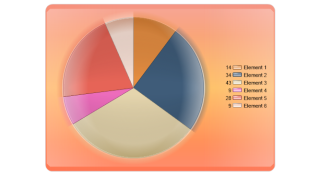
Demonstrates using shading effects and a background box with a pie chart.

 Previous