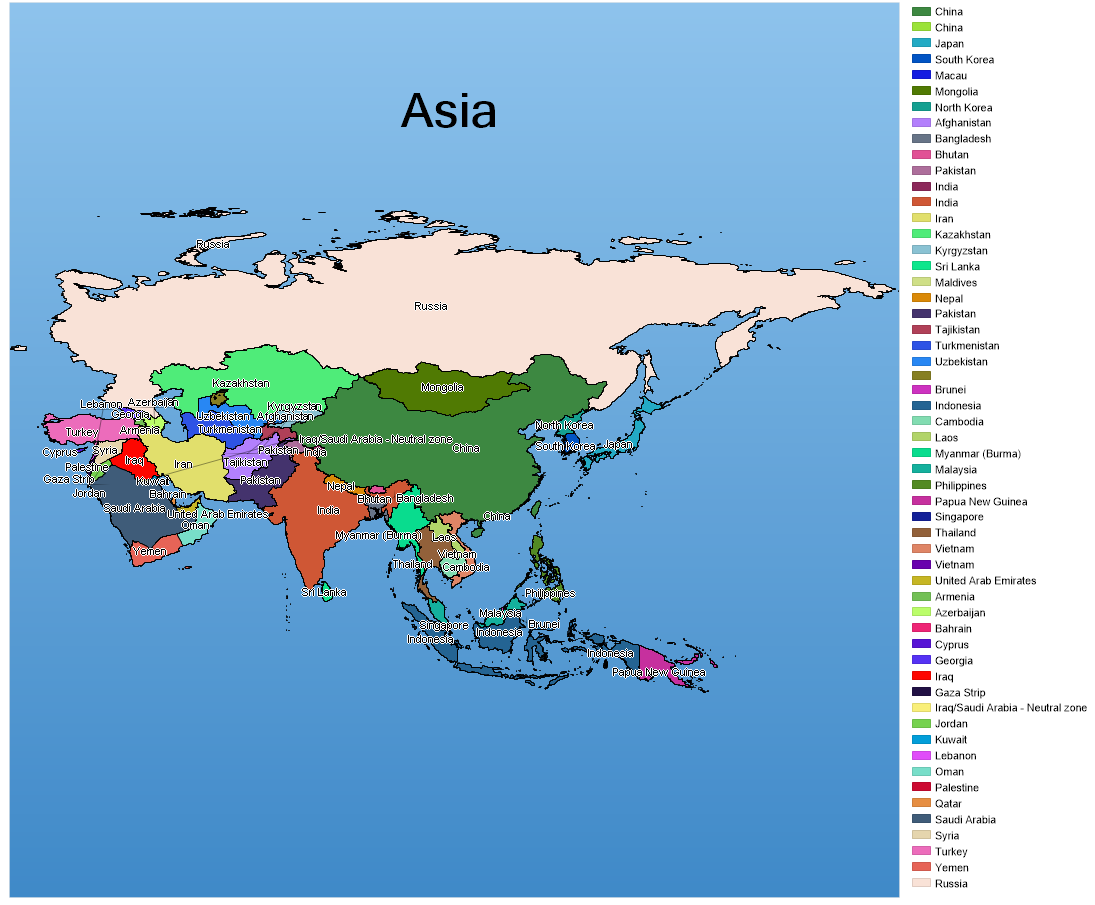
<%@ Page Language="C#" Description="dotnetCHARTING Component" %> <%@ Import Namespace="System.Drawing" %> <%@ Import Namespace="System.Drawing.Drawing2D" %> <%@ Import Namespace="dotnetCHARTING" %> <%@ Import Namespace="dotnetCHARTING.Mapping" %> <html xmlns="http://www.w3.org/1999/xhtml"> <head> <title>.netCHARTING Sample</title> <script runat="server"> void Page_Load(Object sender,EventArgs e) { // This sample uses a pre-generated image. To run the sample live, // please uncomment the code below. // You will need to download the asia.shp and asia.dbf files from // www.dotnetcharting.com/mapfiles.zip and put them in the /images/mapfiles directory.
<%@ Page Language="vb" Description="dotnetCHARTING Component" %> <%@ Import Namespace="System.Drawing" %> <%@ Import Namespace="System.Drawing.Drawing2D" %> <%@ Import Namespace="dotnetCHARTING" %> <%@ Import Namespace="dotnetCHARTING.Mapping" %> <html xmlns="http://www.w3.org/1999/xhtml"> <head> <title>.netCHARTING Sample</title> <script runat="server"> Sub Page_Load(ByVal sender As Object, ByVal e As EventArgs) ' This sample uses a pre-generated image. To run the sample live, ' please uncomment the code below. ' You will need to download the asia.shp and asia.dbf files from ' www.dotnetcharting.com/mapfiles.zip and put them in the /images/mapfiles directory.
'Dim asiaChart As Chart = New Chart() 'asiaChart.Type = ChartType.Map 'asiaChart.Size = "1100x905" 'asiaChart.TempDirectory = "temp" 'asiaChart.Debug = True 'asiaChart.ChartArea.Background = New Background(Color.FromArgb(142, 195, 236), Color.FromArgb(63, 137, 200), 90) 'Dim layer As MapLayer = MapDataEngine.LoadLayer("../../../Images/MapFiles/asia.shp") 'asiaChart.Mapping.DefaultShape.Label.Text = "%Country" 'asiaChart.Mapping.DefaultShape.Label.OutlineColor = Color.White 'asiaChart.Mapping.DefaultShape.Label.Hotspot.ToolTip = "%Country" 'asiaChart.Mapping.MapLayerCollection.Add(layer) 'asiaChart.PaletteName = Palette.Five 'Dim an As Annotation = New Annotation("Asia") 'an.Label.Font = New Font("tahoma, geneva, sans-serif", 36, FontStyle.Bold) 'an.Position = New Point(380, 80) 'an.Background.Color = Color.Transparent 'an.Line.Color = Color.Transparent 'asiaChart.Annotations.Add(an) 'Dim i As Int16 = 0 'For Each shape As Shape In layer.Shapes
' If i >= asiaChart.Palette.Length Then ' i = 0 ' asiaChart.PaletteName = Palette.Four ' End If ' shape.Background.Color = asiaChart.Palette(i) ' asiaChart.ChartArea.LegendBox.ExtraEntries.Add(New LegendEntry(shape("Country"), "", asiaChart.Palette(i))) ' i = i + 1 'Next 'Controls.Add(asiaChart) End Sub </script> </head> <body> <div style="text-align:center"> <img alt="Asia Map" src="temp/asia.png"/> </div> </body> </html>

 Previous